
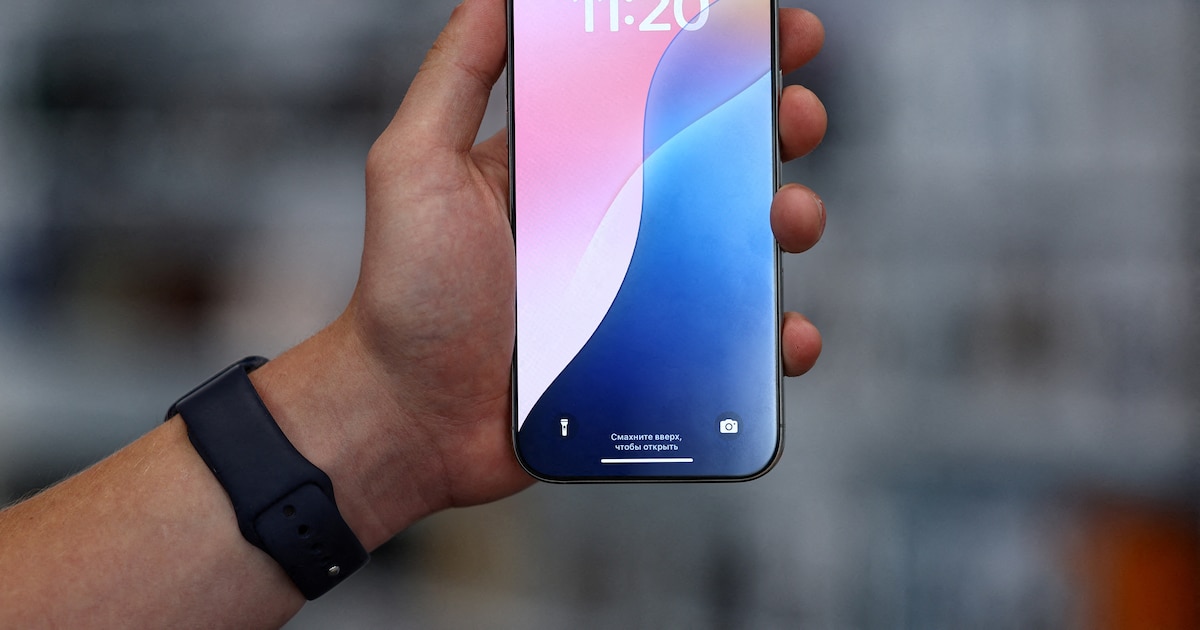
Apple is going to run its new operating system, iOS 26, for the general public. Only some iPhone models will be compatible starting with the iPhone SE Second Generation.
Among the main visual novelties of iOS 26 stands out liquid glass, rethinking, which includes translucent and dynamic effects that respond to both the environment and the user’s actions.
With this Apple’s proposal, Apple seeks to offer more coordinated and fluid visual experience across its ecosystem, which includes iOS, iPados, MacOS, TVOS and Watchos, combining the aesthetics and interaction between its devices.
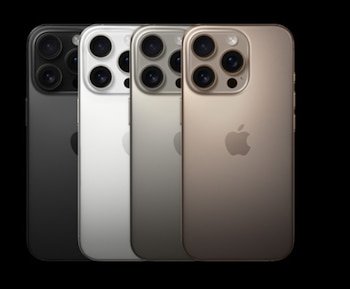
In addition to visual changes, iOS 26 promises improving performance, energy efficiency and new intellectual features that optimize the user interaction with the system, consolidating integration between equipment and software characterizing Apple.
A complete list of iPhone models compatible with iOS 26, is as follows, according to Apple:
- iPhone 16e
- iPhone 16
- iPhone 16 Plus
- iPhone 16 Pro
- iPhone 16 Pro Max
- iPhone 15
- iPhone 15 Plus
- iPhone 15 Pro
- iPhone 15 Pro Max
- iPhone 14
- iPhone 14 Plus
- iPhone 14 Pro
- iPhone 14 Pro Max
- iPhone 13
- iPhone 13 Mini
- iPhone 13 Pro
- iPhone 13 Pro Max
- iPhone 12
- iPhone 12 Mini
- iPhone 12 Pro
- iPhone 12 Pro Max
- iPhone 11
- iPhone 11 Pro
- iPhone 11 Pro Max
- iPhone SE (2nd generation and rear)
IOS 26 comes from one of the most famous innovations: Liquid Glass, a new interface design that reviews the visual experience on Apple devices.
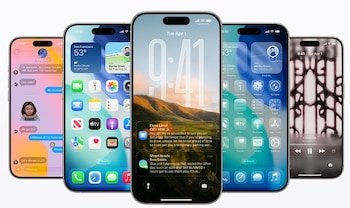
This translucent material is able to reflect and refract the environment, dynamically adjusting to highlight the content with an elegant and consistent way. For the first time, liquid glass is spreading to all Apple platforms, including 26, Macos Tahoe 26, Watchos 26 and TVOS 26.
Control, tool strips and navigation elements were completely remodeled. While before they were conceived for rectangular screens, they are now adapting to rounded corners of modern equipment, creating more liquid integration between software, equipment and content.
Control functions as an adapted layer that responds to navigation and user needsWhile the smart group makes it easier to find the necessary items depending on the context.
The tabs and lateral lanes also develop: in iOS 26 eyelashes shot when moving to offer the contents more space and expand when they return to the top.
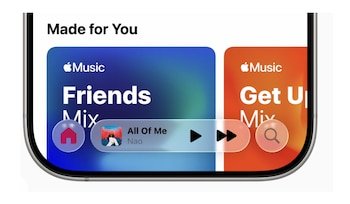
According to Alan Dait, the Vice -President on Apple Human Design design, this update enhances deep integration between equipment and software, making interaction with technology more intuitive, attractive and pleasant.
IOS 26 for AirPods includes several new features that improve use. One of them allows you to activate the camera by pressing the AirPods handle.
This gesture can open both the application of the built -in camera and the third application selected by the user, offering the ability to take a photo or video recording directly.
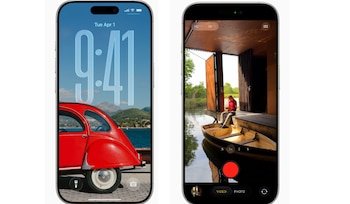
Another novelty is “Pausar Media when falling asleep”, which automatically stops the sound reproduction when the user falls asleep. This option will be available in the AirPods configuration when connecting them to the iPhone, but you need to have a new headphone firmware and install iOS 26.
In addition, iOS 26 solves the frequent problem between Carplay and AirPods through the “Support audio in headphone”, which prevents automatic sound on the car speakers or other Bluetooth devices, playing music with headphones.


