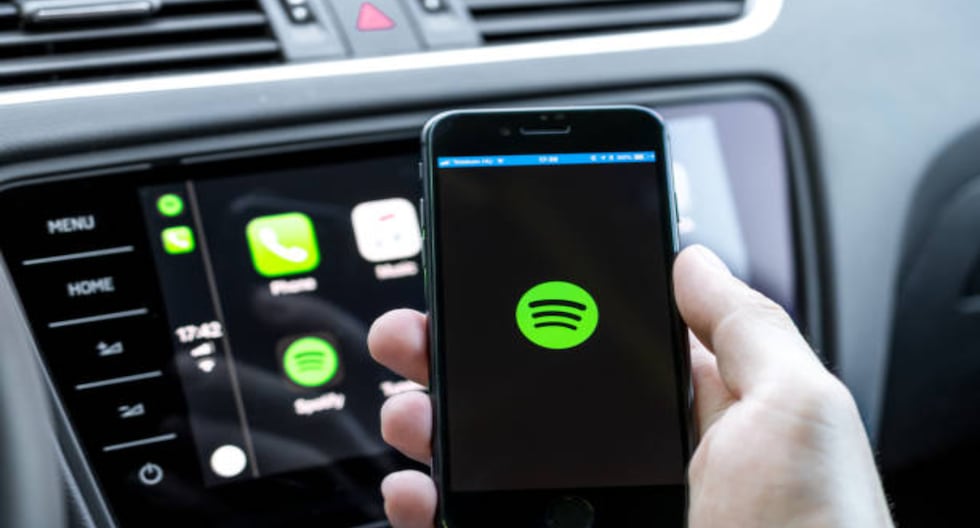
The ability to listen to music wherever you are and with a wide range of devices today can be made efficient by Spotifya digital service that gives you access to songs from your favorite artists. In this regard, today we are going to address the consumption of data, which can be changed due to playing songs, and in just one hour until they run out..
Today, technology allows us to connect to various applications, and in this regard, we also have the opportunity to even listen to unlimited songs thanks to Spotify.
The music streaming platform, which hails from Sweden, offers you access to a music service, podcasts and digital videos, for which it generally recommends using Wi-Fi instead of mobile data.
The latter is created from the amount of MB that your plan eventually consumes, depending on the quality of the song listened to through Spotify, and today, thanks to ADSLZone, we share it with you to take care of your daily expenses:
- Low (24 kbps), 10-25 MB per hour
- Normal (96 kbps), 40-60 Mb per hour
- High (160 kbps), 70-150 MB per hour
- Very High/Extreme (320 kbps), 140-750 MB/hr
With this information in mind, it is important that you take into account the recommendations for downloading your favorite songs through Spotify so that you can listen to them without using Wi-Fi or using the data associated with the purchased plan.
It’s been more than 15 years since Spotify was officially launched as a platform that changed your music experience with very special features to share songs with your loved ones.
Friends and family can now view the content you’ve been listening to, thanks to both activated individual messages and the ability to create group chats and add up to 10 contacts.
If you are over 16 and using the free or premium version offered Spotifyas of January 28, 2026, you can now share your favorite podcasts, playlists, and audiobooks with those you like and keep up-to-date with the app’s WhatsApp-like feature.
“The same user controls and security features for individual messages are available for group chats“, they emphasize from the Swedish music platform, emphasizing the importance of being able to give you the freedom to decide how to use the space created after several requests received.
- Share Spotify content and send messages within the app itself to people you’ve interacted with before.
- When you’re listening to a song, podcast, or audiobook from the Now Playing view, tap the share icon, select a friend, and tap Send.
- Once you accept a message request, you can start reacting with emojis, replying with text messages, and sharing Spotify content seamlessly.
– Access “Messages” from the profile photo located in the upper left corner.