
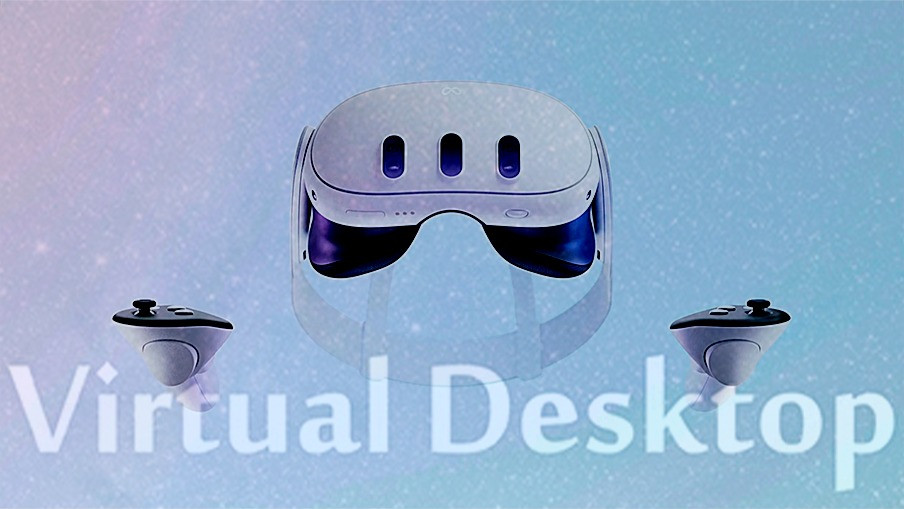
Indie developer Guy Godin has released a version 1.29 update for his flagship creation: Virtual desktop. The most successful application for streaming content from PC to viewers autonomous Starting today, it officially supports Quest 3 and provides a number of exclusive performance improvements for the new Meta browser, not forgetting Quest Pro, the rest of the models or PICO.
Virtual Desktop news specific to Quest 3:
- Compatible with AV1, which requires an Nvidia 4000 or AMD 7000 GPU. AV1 provides better image quality at the same bitrate as HEVC and provides more stable encoding/decoding times, so there are fewer problems when teleporting or moving around. It’s a bit more GPU demanding, so you won’t be able to achieve the same resolution or frame rate as HEVC on lower-end cards.
- Maximum bitrate increased to 200 Mbps with all codecs and 400 Mbps with H.264+.
- New god quality (as in Quest Pro), but up to 120 frames per second.
- Snapdragon Game Super Resolution can be used with all VR graphics quality settings.
- Using 120fps in desktop/video mode in all environments, not just the first 4.
Other features of this update:
- Screen transparency option in the first 4 environments.
- VR Passthrough option (on the Streaming tab) with customizable chrominance.
- Face and eye tracking with VRChat on Quest Pro (using VRCFaceTracking).
- Walkthrough environment in Pico.
- A new virtual assistant that can answer virtual desktop related questions in multiple languages.
- Added Turkish and Russian keyboard layouts.
- Automatically save/restore Nvidia settings.
- Fixed compatibility with Onward (Steam) when launching from the GAMES tab.


