¿How’s the Final Fantasy VII Rebirth hype going?? The next big PlayStation exclusive is just around the corner, and while it’s by no means a release for me, I understand all the fans out there who have been waiting for it for a while. Last night, for example, was the State of Play dedicated exclusively to Square Enix’s game, where, in addition to increasing the hype for the game, much more, They announced the long-awaited demo.
In addition to the fact that you can now play it for free, our first impressions were spot on to my namesake Ramon, who had the opportunity to travel to London to enjoy the title for a few hours. Apparently, we’re dealing with a true video game miracle, and in the words of my partner, we are not prepared for what lies ahead.
Enjoy these Final Fantasy VII Rebirth wallpapers
Well, in addition to everything I said above, they also shared with us series of Final Fantasy VII Rebirth wallpapersall to make the wait for the title a little more enjoyable.
- They are nothing more and nothing less 4 amazing wallpapers 🤯
- You will be able to use them both on your PC and PS4Although the game is not released on this platform, but if you are a fan, you will surely like to see everything well designed 🤩
- I leave you with four images right here:
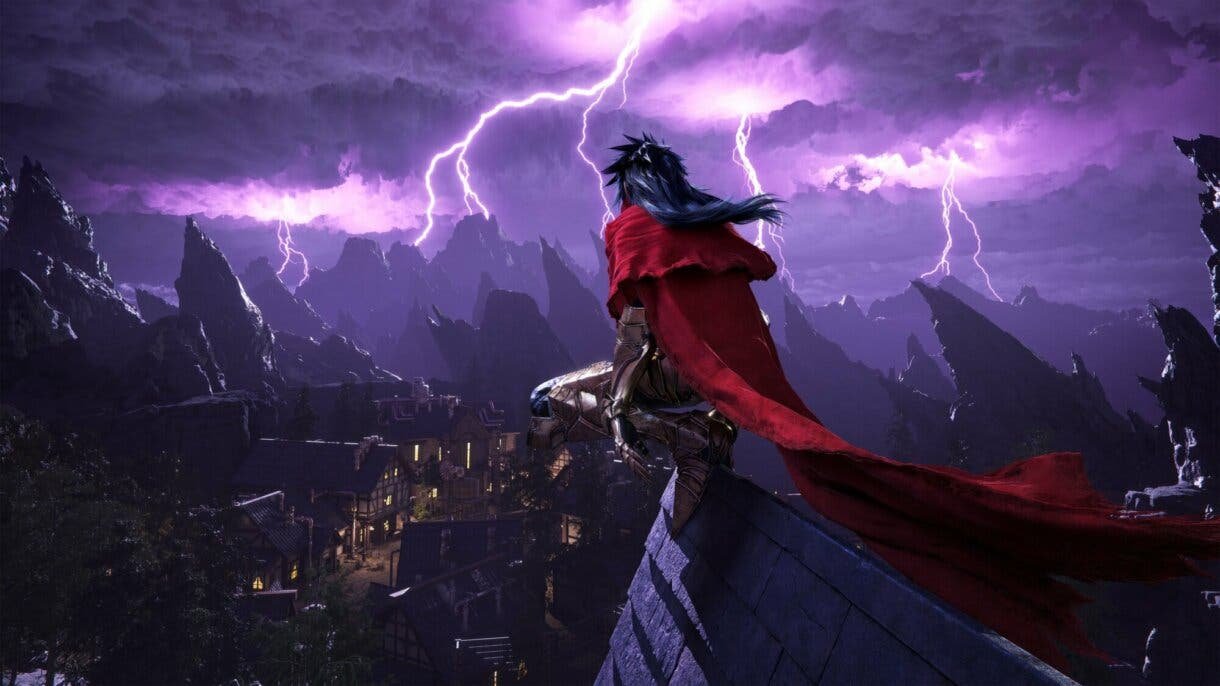
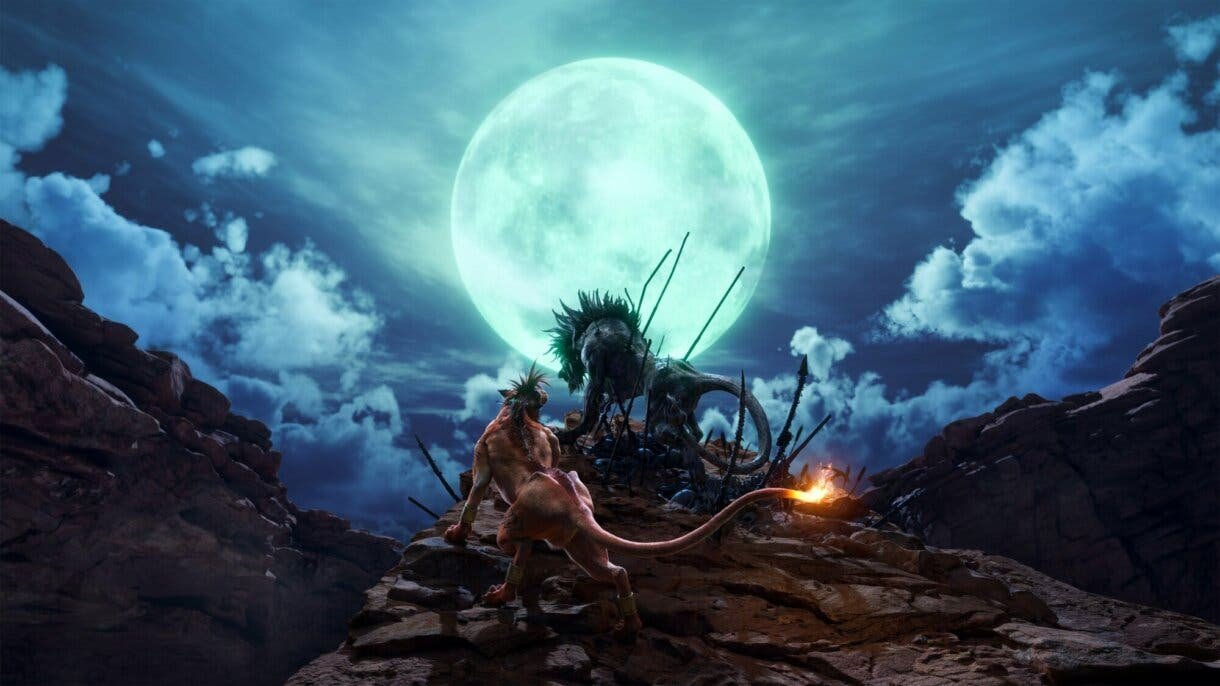

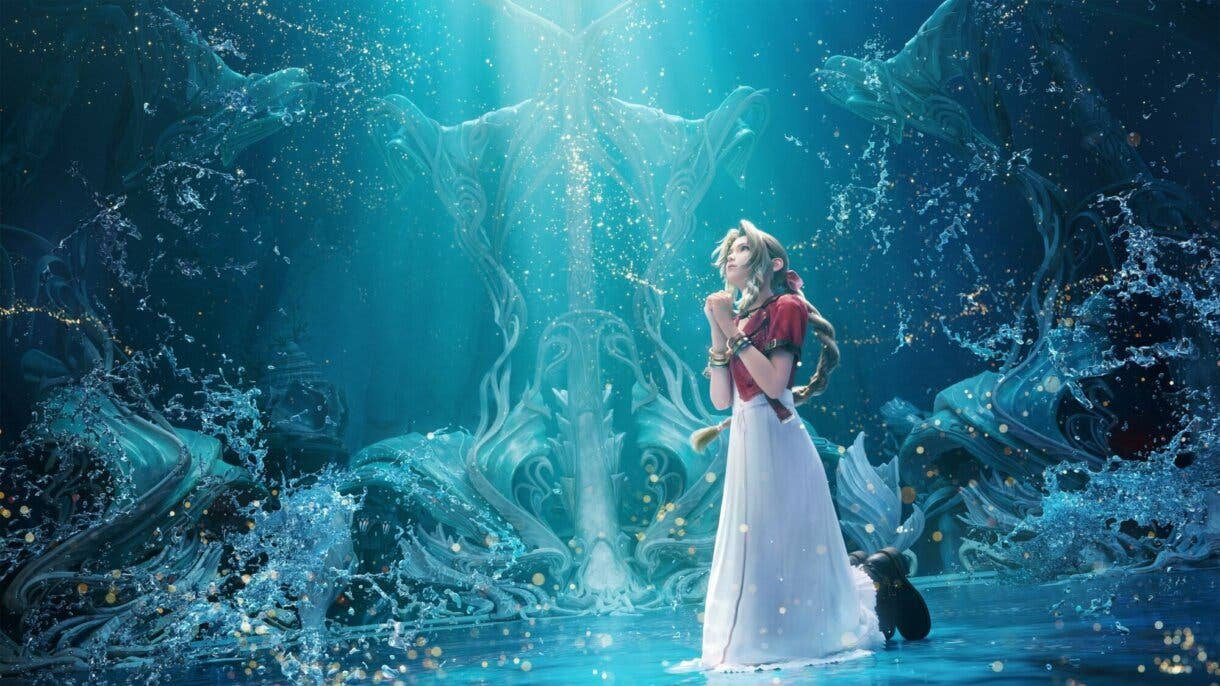
Yes, these backgrounds are beautiful as they are and look, I’m not a fan of these games at all. But as I said before, you can also use them on PS4 and have them in the background if you are a big fan of the saga, and I will explain to you right now what you should do.
Use these backgrounds on your PS4
- Discharge one of the images I left you (although it can be any image). ✅
- To make things look better and to avoid errors, they should have the following permission: 👇
- PS4 – 1920 x 1080.
- PS4 Pro – 3860 x 2160.
- On your USB, create a folder with the following name: “PICTURES“, add the desired image and insert the USB into the PS4 console. ❗
- In PS4 Settings, go to “Topics“. ✅
- Inside, select “Choose a topic“, “Adapted” and click on the USB device. ✅
- After, “Select an image“and ready you already have a new background. ✅
It’s really very simple, but be careful with the permissions because they have to be what I put in there to make it look as good as possible.
Can they be put on PS5?
Honestly, one of the really nice things about the PS4 was the ability to customize the wallpaper to your liking. This with the launch of the PS5 was one of the things they removed that many of us (myself included) have been asking PlayStation to add in a future update. But at the time of this writing, it is impossible.