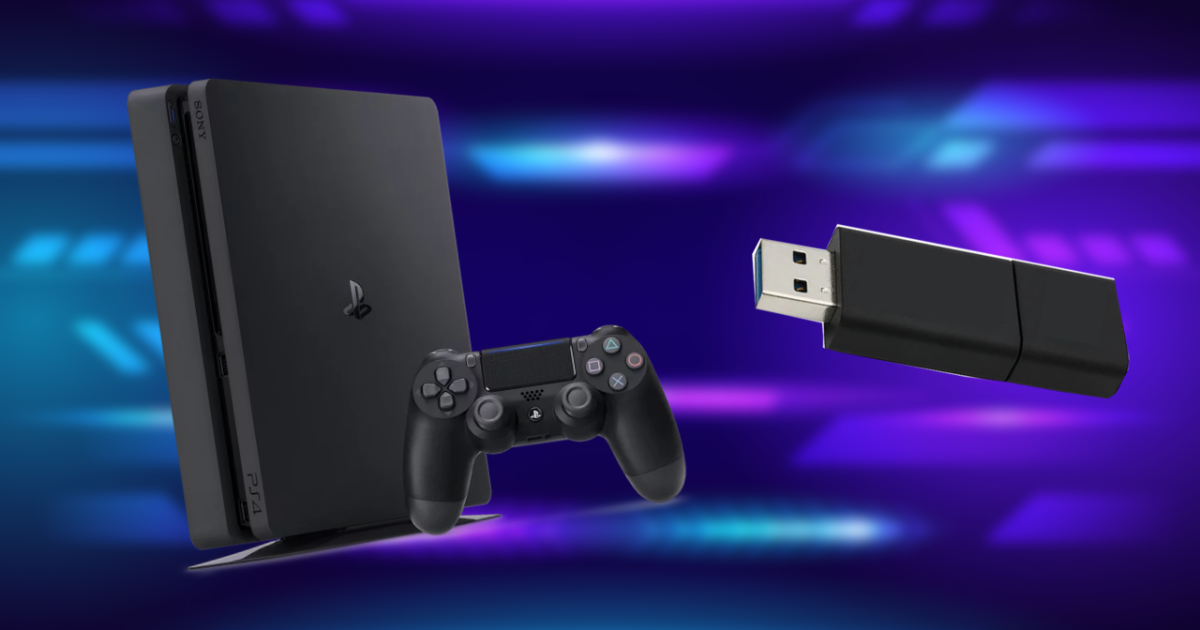
Volkers, you wanted to transfer video game data from one PS4 to another and you don’t know how? Here we will explain a very simple method.
One way is to subscribe to PlayStation Plus, in which the user gets access to various benefits, among which is the availability of space in the cloud to store all the information about the title that they need.
Another way without access to payment is through a USBwhich should have enough space and no valuable information as it should be completely clean of files.

PlayStation
This way you can save your game data
The first thing you need to do is get a USB and plug it into your PS4 system. They will then need to complete the following steps:
- Go to settings, then “Manage saved app data”.
- Then go to Data stored in system storage – copy to USB drive.
- To copy your progress, you must select the game and click the “Copy” button in your personal sections and wait.
- Finally, you must remove the device from the console, transfer it to another PS4, and install the save data.