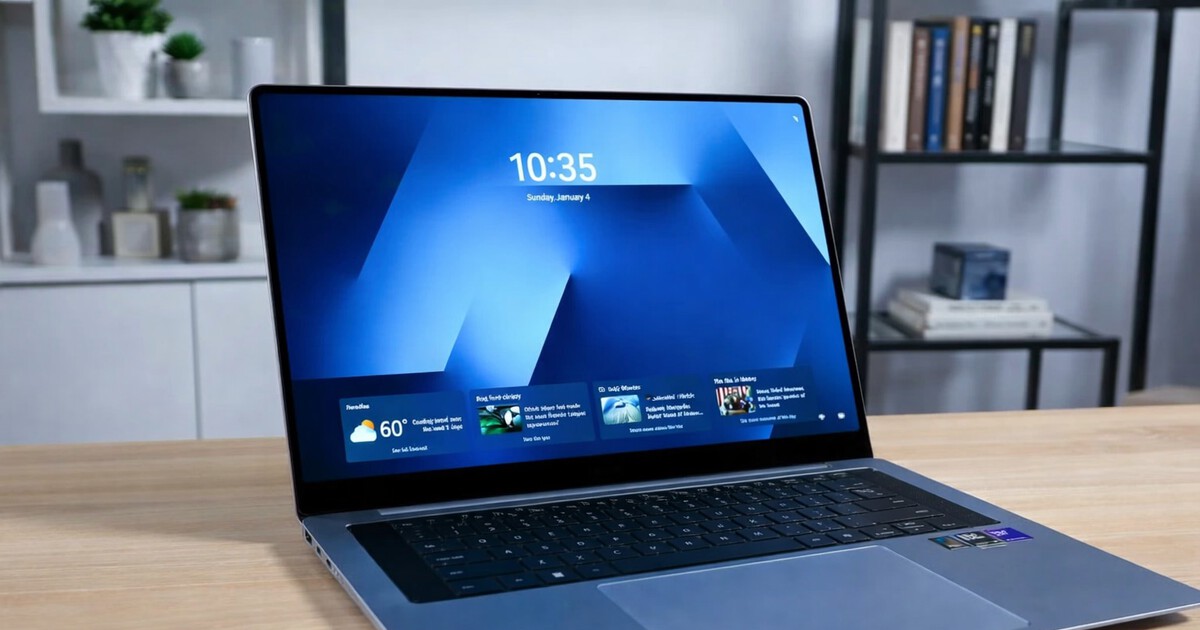
At CES 2026, laptops were filled with numbers and names: more brightness, more performance, more “Ultra”. But what really makes a difference in day-to-day use almost never shows up in stand photos.
It comes in the seconds you waste every day searching for a file, cropping an image for a document, or transferring a photo from your cell phone to your laptop because you work better on a big screen. And that’s where the Galaxy Book6 series tries to stand out with Galaxy AI: not as an abstract promise, but as a set of shortcuts to make the laptop “keep up with you” without having to think about it.
The idea rests on two legs: Integrated AI features and an ecosystem designed to make PC, mobile and tablet work as one desktop.
AI Selection and AI Cut Out, which you will use the most without realizing it
There are two features that, when they work well, become vices.
The first is AI Selection– You touch text or content on the touchscreen and the system instantly returns useful information while browsing, shopping or browsing online content. In the real world, this means less copying and pasting, less opening another tab, less “wait, what was that like?”
The second is AI Cut Outwhich automatically crops the background of the image. It doesn’t sound epic, but anyone who has ever done a presentation or product sheet knows how long it takes to get a clean image. Here the catch is obvious: preparing resources for work, lists or materials becomes much faster.
Search without remembering names, the dream of anyone whose desk has turned into a drawer
The natural language search function It’s another one of those things that seems small until you find yourself using it every day: instead of having to remember the exact name of a file or photo, you describe what you want and the system finds it, even if it’s a correction or a document from a week ago.
This approach is very much in line with the way we work.: “holiday photo”, “budget PDF”, “file I opened two weeks ago”. It’s less classic computer and more “find how I would say that out loud”.
Note Assist, summaries and translations if you don’t have time
Note Assist points directly to meetings, classes, and teamwork– Summarize long text and translate notes into multiple languages to make content easier to digest and share.
Here’s the important fine print: Resumes require a network connection and login, and perfect accuracy is not guaranteed. Well said, it won’t replace your criteria, it will give you a first filter so you don’t eat up twenty paragraphs when you just need the main idea.
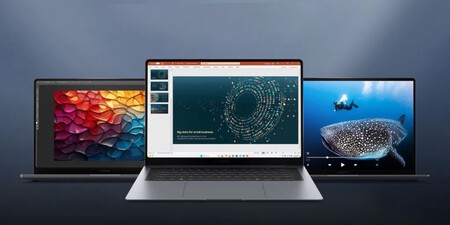
The trick to productivity is the ecosystem: mobile, tablet and PC together
Samsung is very insistent continuity between devices and on the Galaxy Book6, that’s almost the most compelling part.
Shared storage This allows you to open photos and files from your phone directly to your laptop for great editing without cables or stories.
Enlace a Windows It transfers apps, messages, and notifications from your mobile phone to your PC and creates very specific scenarios: take a photo on your phone, retouch it, and continue editing on your laptop. The use is also mentioned simultaneous translation during calls or chats, and then conveniently view content on the big screen.
And there are classics that are hard to come back to: Devices nearby to detect and connect equipment at a glance, Multi Control use one keyboard and mouse with a mobile phone and tablet and The second screen to turn the Galaxy Tab into an additional monitor in seconds.
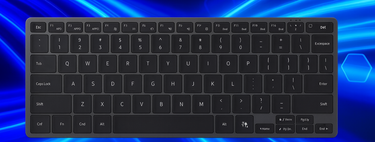
The Galaxy Book6 series comes with processors Intel Core Ultra Series 3 and NPU up to 50 TOPS, Just the sort of number that explains why these features are aimed at feeling fast rather than a slow demo.
And while the AI is the focus here, there are two pieces of information that add to the picture for real-world use: the Ultra and Pro talk about up to 30 hours of video playback and fast charging, which restores up to 63 percent in 30 minutes on the Ultra. If the laptop is going to be used “all day”, these things are just as important as smart features.
Images | Samsung with version
In the smart house Xataka | What happened to Bixby: Samsung’s assistant that didn’t convince itself on mobile phones and moved into the house
In the smart house Xataka | HDMI Cables: Types and Which One You’ll Need, Depending on What You’re Going to Use It For