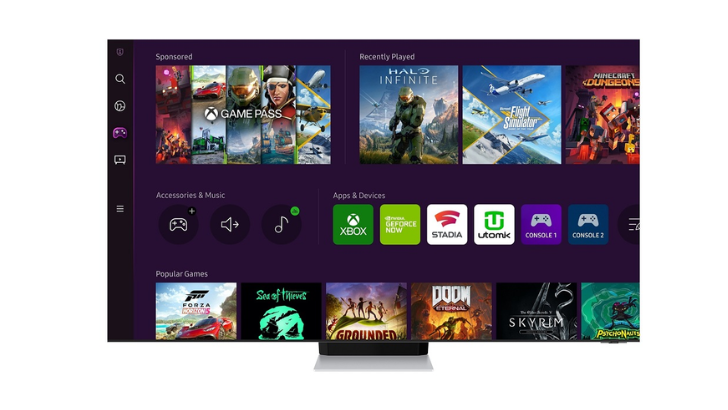
The world of gaming is undergoing a massive transformation as Cloud Gaming makes high-end experiences more accessible than ever. Samsung is leading this revolution, allowing users to play games directly on their screens without the need for a physical console. In this new era, all you need is a stable internet connection, a compatible controller and your Samsung Smart TV.
Setup: How to pair your controller in minutes
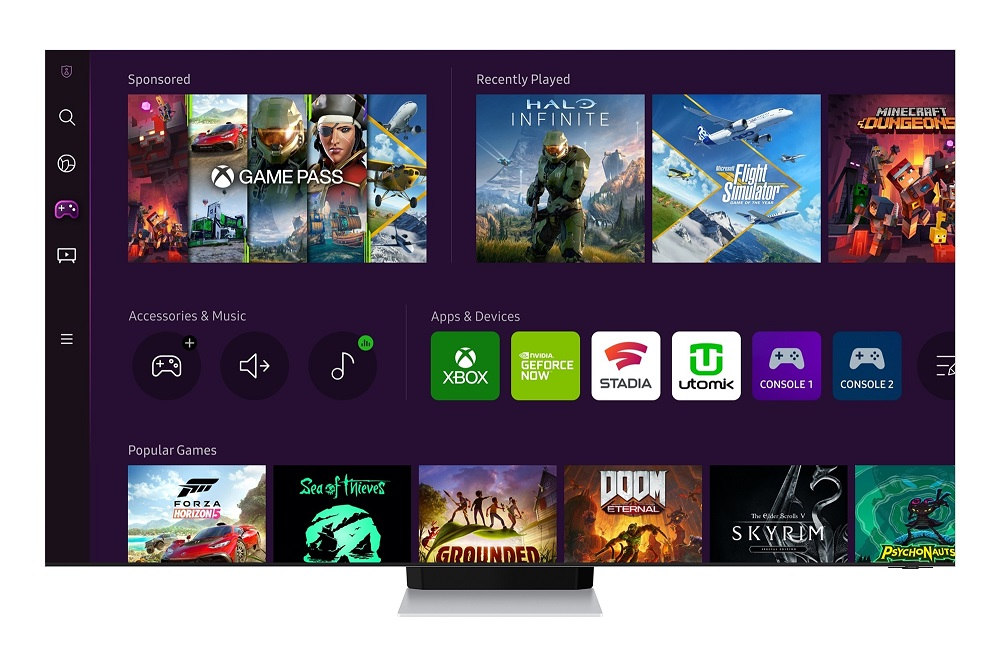
Samsung is already part of this revolution. Samsung Gaming Hub is a comprehensive detection platform integrated directly into the display interface and allows gamers to stream games from the cloud; which optimizes the experience through advanced hardware synergy.
With this, Samsung expands the boundaries of home entertainment with more than 3,000 games that turn the screen into a gaming arena for everyone from casual gamers to hardcore gamers.
Step by step: How to play on your Samsung Smart TV
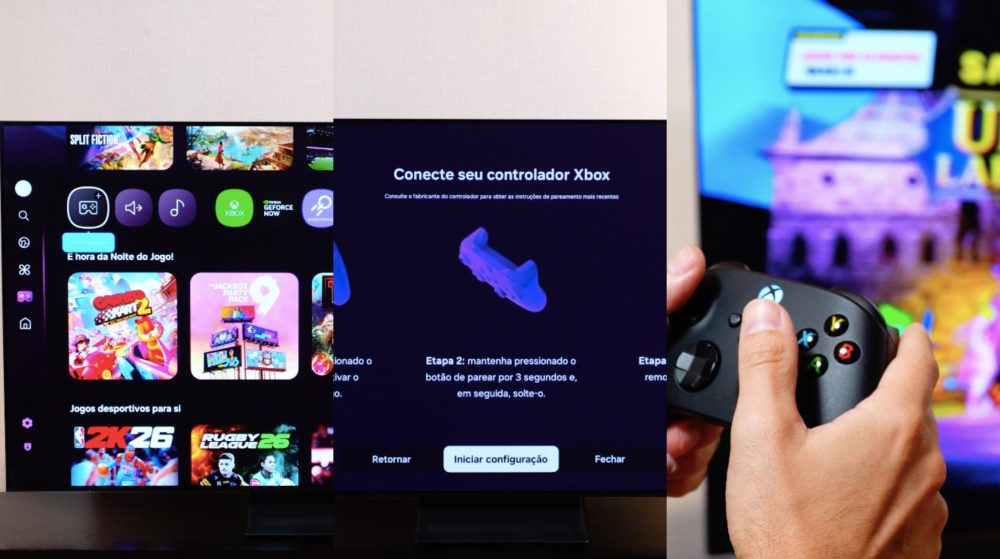
Setting up your Virtual Console is a simple process designed for immediate gameplay. To turn your screen into a gaming hub, follow these steps to pair your favorite controller:
- Join the game center– Go to the sidebar menu on the home screen of your Samsung display and select the Gaming Hub icon represented by the control symbol.
- Connection mode– Take your current controller, whether it’s an Xbox, PlayStation, or regular Bluetooth model, and put it into pairing mode.
- Connecting to the screen– On the screen, go to: Settings > Connectivity > External Device Manager > Bluetooth Device List.
- Synchronization– To complete the pairing, select a control from the list of detected items.
- Start the game– Once connected, select the desired streaming service app, sign in and start playing.
Why use Samsung Gaming Hub?
Once the controller is connected, the Samsung Gaming Hub functions as a comprehensive on-screen search platform. This ecosystem offers significant benefits for every type of player:
- Huge game library– Access to more than 3000 games, ranging from casual games to hits for advanced players.
- No bulky equipment– Eliminating the need for a console, which removes clutter and cables from the space.
- Advanced Synergy– The platform optimizes the streaming experience through advanced hardware and software interoperability, delivering seamless gameplay directly from the cloud.
- Versatility– This technology turns the screen into a universal epicenter of entertainment that serves the whole family.
To enjoy next-gen gaming, users will only need a 2022 Samsung Smart TV or a newer and compatible Bluetooth controller. Although the Gaming Hub app is free to access, some games or streaming services may require certain subscriptions or purchases. This innovation underscores Samsung’s commitment to user-centric technology, transforming an ordinary display into a truly multi-functional entertainment center.
To learn more about the Samsung Gaming Hub, visit the Samsung Peru press center.