
Free Fire is one of the video games of this genre Royal battle the most popular in recent years, and this fame was earned not only by the rewards that Garena offers with Redeem codes, but also because of the great competitiveness that a video game offers.
With more than 80 million players daily, Free Fire has become very competitive, so it is necessary to improve your goal to “GIVE ALL RED” every day.
Moose Shots in the head withwith headshots and allow you to drop a lot of life on your opponent, but to achieve them you need to be skilled or set up your Free Fire account correctly.
Do you want to win all Free Fire Battle Royale games? Well, there are three things to consider for this: sensitivity, button configuration, and phone settings.
Recommended sensitivity for Android and iOS
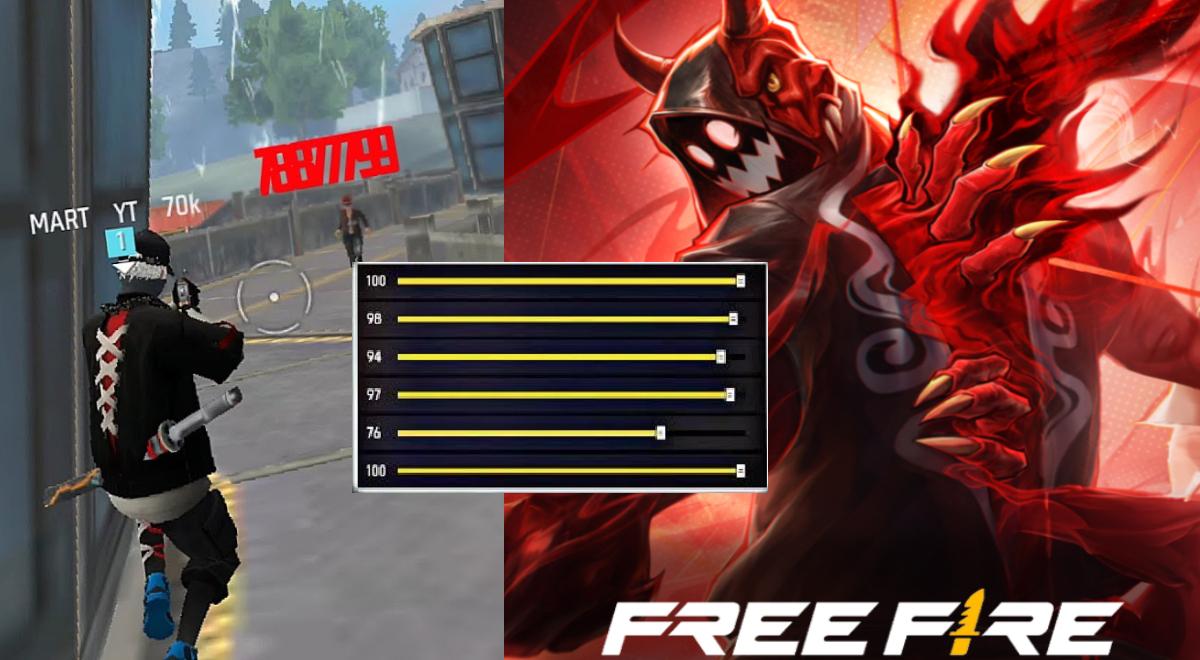
These sensitivities are balanced to control recoil + accuracy:
- Total: 95–100
- Red Dot Sight: 90–95
- Mira 2x: 85–90
- Mira 4x: 75–85
- Mira awm: 55–6
- Freelook: 65–75
Android or iPhone phone settings
Believe it or not, your phone’s refresh rate also affects your performance in Free Fire. You can also adjust the DPI to get a great result.
Recommended DPI
- 800–900 DPI → smoother and more precise movements.
- Do not exceed 1000 to avoid instability.
Screen speed
- Enable 90Hz or 120Hz if your device allows it.
- The fluidity enhancement is very helpful in imparting the red color.
Adjustments inside the fire
Custom hud to give more red color. Place the buttons like this:
- Fire Button: Size 40–55%.
- Aim Button: 45-55%
- The joystick is small to save space
- Crouch button closed and accessible (quick combos)


