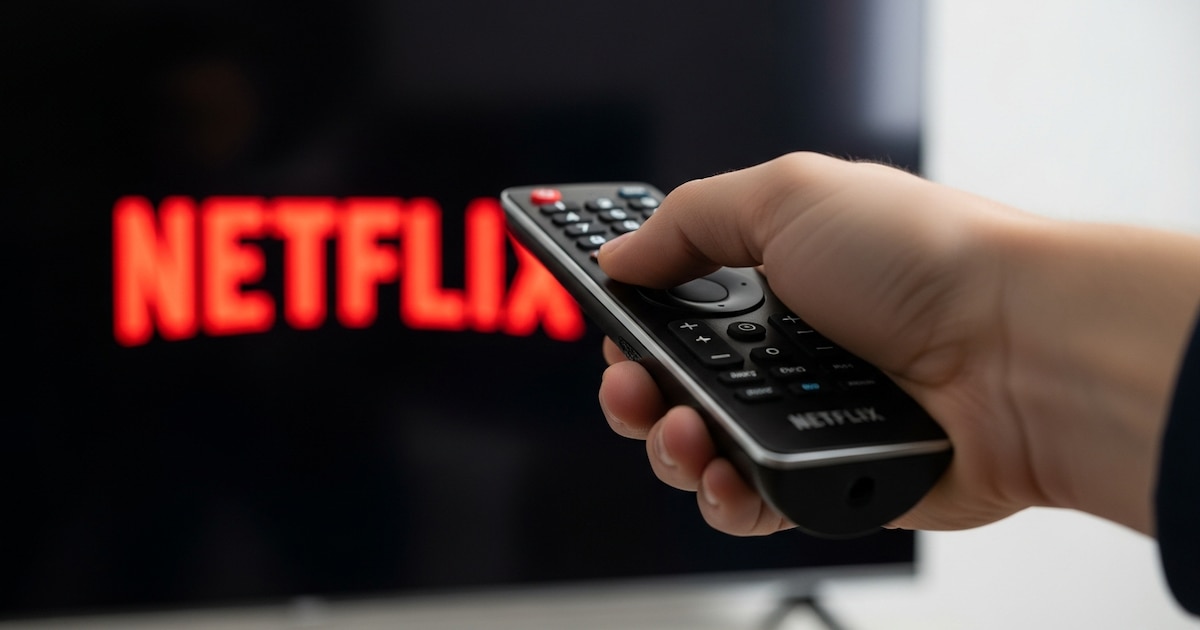
The appearance of codes like R40, R12 or R25-1 on your TV, mobile or tablet screen when you try to access it Netflix increasingly common in old devices.
According to ADSLZone, these error messages indicate that the device no longer meets the standards required to run Netflix. The platform has updated the compatibility system, which mainly affects Smart TV and other old equipment.
The company clarifies that these errors can appear both permanently and in a transitional period until access is completely blocked.

In many cases, the screen also displays messages like “Netflix is no longer available on this device” or “Unfortunately, as of (date), Netflix will no longer be available on this device.” In both cases, Netflix directs the user to the official website to check which devices are still compatible.
Solution c Netflix Ending support for certain devices is in response to the inability to guarantee optimal performance after successive platform updates.
Because the program includes security, image quality, or performance improvements, some models no longer have the necessary technical resources to support them. This process is particularly effective televisions, mobile phones and tablets released several years ago that no longer receive software updates from the manufacturer.
The streaming service explains on its help page that if a device displays one of these error codes, “has become too outdated to receive new Netflix updatesFor this reason, the program will soon stop working and the user will only be able to continue accessing it for a short period.
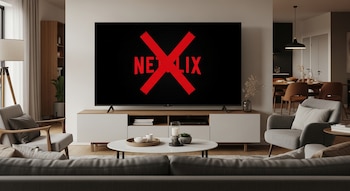
These are devices that will no longer be compatible with the streaming platform March 15, 2026:
Televisions and multimedia devices
- Apple TV first, second and third generations.
- Televisions Panasonic produced before 2015.
- Televisions LG produced before 2015.
- Smart TV Samsung EOS series produced from 2012 to 2015.
- Sony Bravia with model numbers KDL, XBR, W95 and X95 (mostly pre-2015 releases).
- Media devices released before 2015 that do not receive an operating system update.
Smart phones
- Samsung Galaxy S5
- Sony Xperia M4 Aqua
- Motorola Moto X
- LG G4
- HTC One M8
- Huawei Ascend Mate 7
- Asus ZenFone 2
Apple devices
- Only iPhone and iPad that can be updated iOS 17 or iPadOS 17. Those unable to upgrade to these versions will no longer be compatible with the Netflix app.
When faced with this scenario, there are solutions that allow you to continue using the directory Netflix without the need to update your TV or main unit immediately.
Among the most common options is the use external devicessuch as media players, game consoles or streaming devices such as Chromecast, Fire TV Stick or Apple TV that can be connected to your old TV. These devices provide access to the latest version of the application and allow you to maintain the user experience, although they require additional investments.
Another alternative is to use a a laptop connected to a TV with an HDMI cablewhich allows you to watch content even if the Netflix app no longer runs on the device’s original operating system. The company recommends that you review the updated list of compatible hardware on the official website before making a purchase decision.