
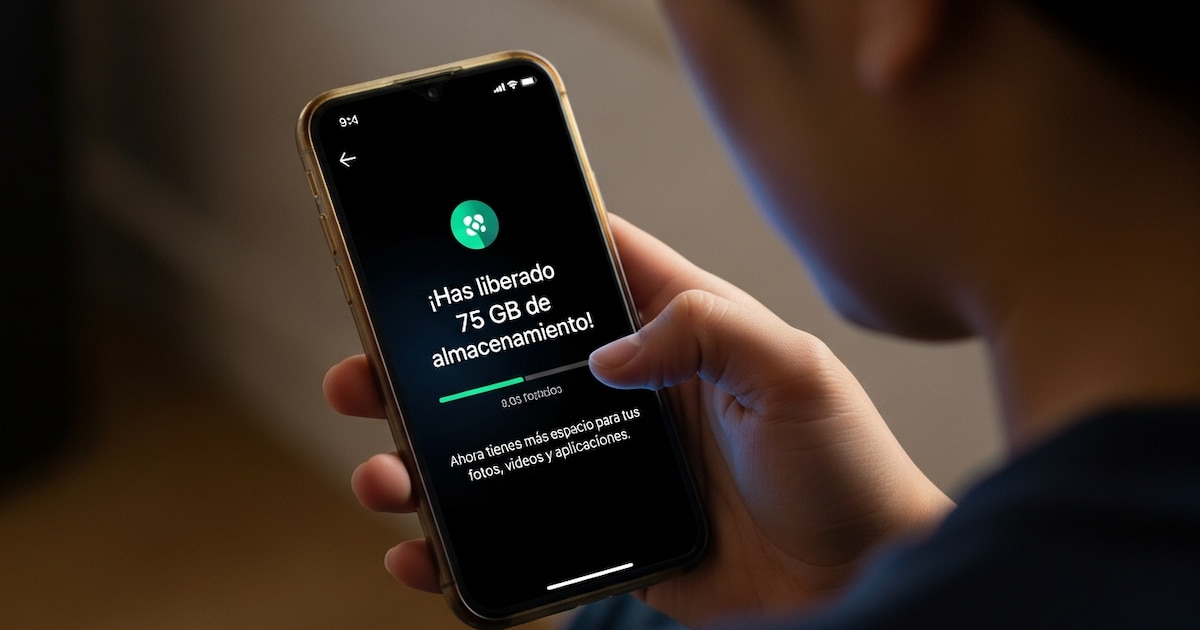

The “Storage is full” message has become one of the most frequent messages for millions of cell phone users. Although today’s phones offer more memory than a few years ago, the increase in the size of applications, High-resolution photos and 4K videos allow you to run out of free space quickly.
However, there are various strategies that allow you to optimize your device’s storage without having to spend money or buy new hardware.
One of the factors that aggravates this problem is phasing out the microSD card slot on many modern phones. By relying solely on internal memory, users must manage available space more carefully to prevent impact on device performance.

The growing size of digital files is one of the main reasons that storage fills up quickly. Modern phone cameras shoot higher resolution photos and allow for 4K video recording, which significantly increases the weight of each file. Over time, the accumulation of this content can take up several gigabytes of memory without the user noticing.
Added to this is the heavy use of messaging programs, social networks and multi-functional tools. Many of these platforms automatically save media files, documents, or temporary copies that remain on the device. In addition, so-called “super-apps”, which combine several functions in one application, usually require more storage space to run.
Another element that contributes to memory consumption is temporary files and cache data created by applications. These files allow programs to run faster by saving frequently used informationbut over time they can accumulate and take up a significant amount of space.

To deal with this problem, experts recommend starting by determining which items take up the most memory in your phone. This information can be easily accessed in the settings menu of the device, usually in the storage section. It shows a detailed breakdown of the space occupied by programs, photos, videos, documents and other files.
Once you’ve determined which type of content is taking up the most memory, you can decide to free up space. One of the most effective options is to delete unnecessary files such as old screenshots, duplicate photos or videos. which are no longer relevant.
Many phones also include automatic cleanup tools to help detect large or duplicate files. These features allow you to remove unwanted content with just a few taps, without affecting important documents or personal files.

Another useful strategy is to look at installed apps and remove those that are no longer in use.. Over time, users tend to accumulate apps that they downloaded for a specific task and then forgot about on their device. Removing them can free up a significant amount of space as well as improve the overall performance of your smartphone.
Clearing the app’s cache is another simple measure that can help restore memory. Popular platforms such as Instagram, TikTok or web browsers store temporary files to speed up their work. Deleting this cache does not delete personal information such as conversations or photos, but only temporary data that the program stores to optimize its work.
It is also advisable to consider the possibility of using cloud storage services. Platforms such as Google Drive or Dropbox allow you to store photos, videos and documents on remote servers, freeing up space on your phone’s internal memory without losing access to these files.

In addition to freeing up memory, maintaining a sufficient amount of available space is important for the proper functioning of the operating system. Experts recommend keeping at least 10% to 15% free storage on your device. This allows the system to manage updates, temporary files, and internal processes without affecting performance.
Storage management has become an important task in today’s digital life. As the size of files and programs keeps increasing, adopting regular cleaning habits and using management tools can make the difference between a busy phone and a smooth device.


