
Get a message about “storage full” This has become a daily inconvenience for a large number of mobile phone users around the world. Although the technology industry has increased the capacity of devices in recent years, advances in the quality of digital content, e.g. High resolution photos and videos recorded in 4K formatcauses the available memory to run out quickly.
However, different tactics can be used for this optimize storage smartphone without having to invest in new equipment or make unexpected expenses.
A situation that complicates this scenario phasing out microSD card slots in the very latest models. Without the option of physical expansion, owners must be more selective and cautious with their usage internal memory to prevent overall hardware performance from running out of space.

The weight of high resolution and applications
The exponential increase in the size of digital files is largely responsible for this saturation. Modern cameras are made for shooting higher resolution photos and allow recording in 4K qualitywhich dramatically increases the weight of each media file. Over time, this build-up can be consuming several gigabytes of memory almost imperceptible to the user.
Added to this is the constant use of instant messaging services, social networks, etc “super programs”. These platforms usually automatically store media files, documents and temporary copies on your computer. Because they combine multiple services into a single interface, these applications require more resources and space to run properly.
Another contributing factor is lack of space temporary files and cache data. Although these elements allow applications to run faster When saving data for periodic use, its excessive accumulation results in a significant portion of the available memory.

Steps to restore your device’s memory
To solve this problem, experts recommend conducting primary diagnostics, identifying which elements consume the most resources. This information is available in the menu configuration or settings phone, in particular, in storagewhich details the memory usage of programs, photos, videos and documents.
After performing this analysis, there are certain actions you can take to free up space:
- Eliminate old screenshots which are no longer useful.
- Delete duplicate photos or random bursts of images.
- Turn off large size video which have lost relevance.
Many manufacturers integrate tools automatic cleaning which make it easier to detect large or duplicate files. These features are designed to remove unnecessary content in a couple of clicks, ensuring the safety of important personal documents.
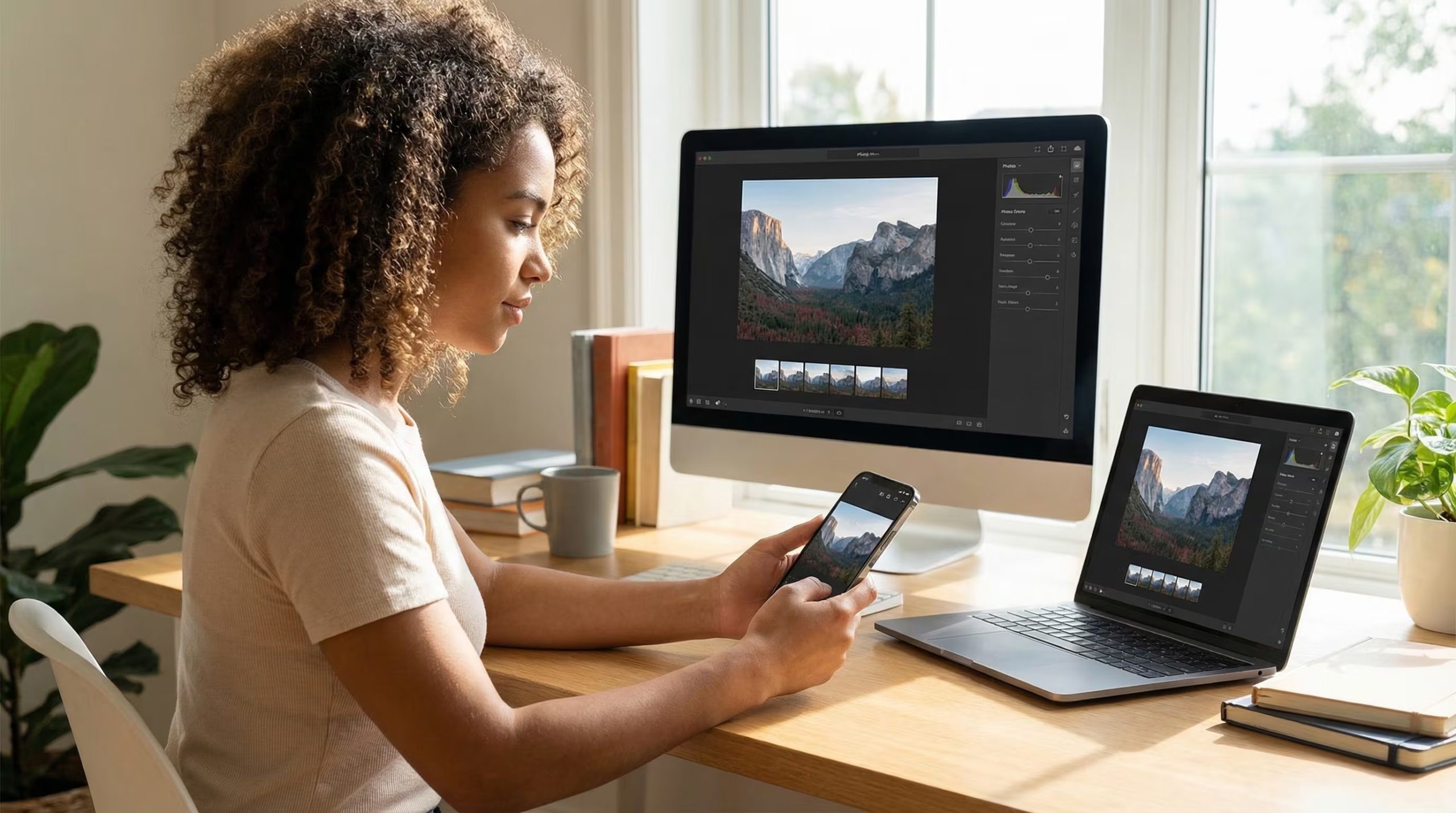
Application maintenance and cloud usage
A very effective strategy is this audit of installed applications. It is common for users to keep tools that they have downloaded for specific needs and that they have not opened again. Delete them It not only recovers precious gigabytes, but can also speed up your smartphone.
Likewise, manage popular app cache how Instagram, TikTok or web browsers is an important preventive measure. This is important to emphasize clearing the cache does not delete personal informationsuch as photos or chats, but only deletes temporary data that the system stores to speed up operational processes.
On the other hand, the adoption of cloud storage services This is one of the best long-term solutions. Such platforms Google Drive or Dropbox They offer the possibility of hosting files on external servers, which allows the user to maintain access to their information without taking up physical space on the mobile phone.

The importance of room for maneuver
Besides the convenience of having space for new photos, memory conservation is vital to the health of the operating system. Technology experts believe always keep 10% to 15% free storage. This margin is what allows the device to drive software updates and internal processes without slowdowns or errors.
In conclusion, storage management has become a necessary capability in today’s digital life. Given the constant growth of files and applications, install regular cleaning and taking advantage of the management tools is key to keeping the phone smooth and functional.
Source: Source


